Documentation

Interact system documentation

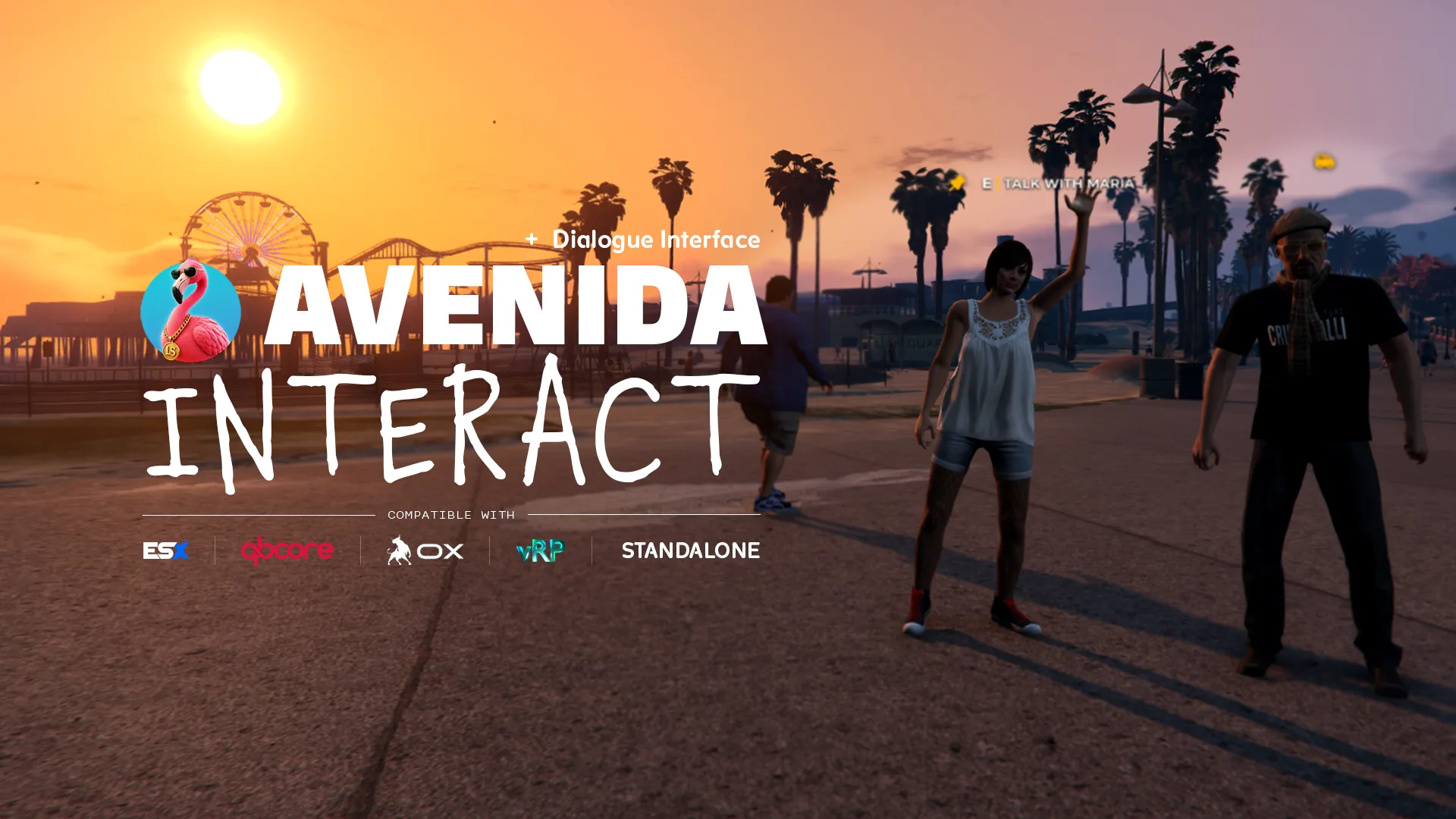
3D interaction system + NPC dialogue engine, with zero dependency. Place an interaction anywhere on the map: on an entity, a free coordinate, or an NPC you spawn from the same call. No ox_lib, no framework, no server side setup.

  • ESX
  • QBCore
  • ox
  • vRP
  • Standalone
01

Installation

  1. Drop the resource

    Grab the script from your Tebex account, then copy the avenida_interact/ folder into resources/[avenida]/ on your server.

  2. Enable in server.cfg

    Add ensure avenida_interact. Nothing has to load before it: since 1.1.0 the resource has no dependency, so load order does not matter.

  3. Set your defaults

    Open config/config.lua and tune what applies to every point: label, key, showIcon and canInteract distances, icon, color, named colors, ped spawn range, and Config.Hud to pick which HUD is hidden during a dialogue.

  4. Remove the demos

    The examples in config/entities/, config/peds/ and config/positions/ are live as long as their files are there. Delete the ones you do not want, the manifest globs those folders so there is nothing else to edit.

  5. Test the hot reload

    Start the server, then type /restart avenida_interact in game. Icons disappear and come back cleanly, and points registered by your own resources survive, without restarting your session.

02

Configuration

Your first interaction point in 30 seconds

Create a myscript/client.lua in your own resource and paste this. A cyan marker appears at 30m, the "E - Hello" prompt unrolls at 2m. The only thing that has to be running is avenida_interact itself.

lua
-- myscript/client.lua
exports.avenida_interact:positionRegister({
    coords      = vec3(-265.0, -963.6, 31.2),
    showIcon    = 30.0,           -- marker fades in at 30m
    canInteract = 2.0,            -- label unrolls at 2m
    hintIcon    = 'interact',     -- see the icon list below
    hintColor   = '#22d3ee',      -- hex, or an alias from Config.Colors
    message     = 'Hello',
    bind        = 'E',
    onInteract  = function()
        TriggerEvent('chat:addMessage', { args = { 'Hello, world!' } })
    end,
})
03

Exports

Interact Points

  • positionRegister
    exports.avenida_interact:positionRegister(cfg) --> id

    Registers a point on fixed coordinates. Takes every visual field (hintIcon, hintColor, showIcon, canInteract, offsetZ, blips) plus choices[] for several keys on the same point. canInteract accepts a number or a function, so you can gate the prompt on a job, an item or a cooldown. Returns an id.

  • pedRegister
    exports.avenida_interact:pedRegister(cfg) --> id

    Spawns a configured NPC (model, animDict and animName or a scenario, blip), attaches a point on it and returns its index. The ped is invincible, will not flee and will not ragdoll. It spawns and despawns around Config.PedSpawnRange, 50m by default. Set randomComponents = false on a named vendor, otherwise every player sees a different outfit.

  • pedRemove
    exports.avenida_interact:pedRemove(idx)

    Added in 1.1.0. Despawns a ped registered with pedRegister and drops its registration, so a temporary quest giver can leave when the quest is over.

  • entityRegister
    exports.avenida_interact:entityRegister(cfg) --> id

    Attaches a point onto one existing entity, passed as cfg.entity. Supports cfg.bone to hook the prompt on a bone instead of the entity center. Use it for something another script spawned: a vehicle, a placed prop, a dropped item.

  • entityRegisterByHash
    exports.avenida_interact:entityRegisterByHash(hash, cfg)

    Passive watcher: the config applies to every entity of that model, the ones already streamed and the ones that appear later. A single thread covers all registered hashes and sweeps every 5s. This is what you want for ATMs, vending machines and doors, rather than a coordinate list to maintain.

  • entityRemove
    exports.avenida_interact:entityRemove(idx)

    Detaches the point returned by entityRegister. The entity itself is left alone.

  • interactCreate
    exports.avenida_interact:interactCreate(cfg) --> id

    Runtime point, created and removed on demand. Use it when the point only exists for a while: a mission objective, a bag on the ground, a body to search.

  • interactRemove
    exports.avenida_interact:interactRemove(id)

    Removes a point created by interactCreate, and its blip if it declared one.

  • unlockLastInteract
    exports.avenida_interact:unlockLastInteract()

    A point locks itself once used, so a held key does not fire it twice. Call this at the end of your action to re-arm it. If the player is still in range the prompt comes straight back, otherwise it waits for them to walk in again.

Prompt API

  • HandleTextUI
    exports.avenida_interact:HandleTextUI(id, data) --> duiHandler

    Creates or updates a standalone 3D bubble, without any interaction point behind it. For when you want to drive visibility from your own thread. Returns the handler you pass to Draw3DSprite.

  • Draw3DSprite
    exports.avenida_interact:Draw3DSprite({ duiHandler, coords, maxDistance, hintOnly? })

    Draws the bubble in world space from a render thread, un-stretched against the screen aspect. With hintOnly = true only the marker is drawn, which is the long distance state of a normal point.

  • CloseTextUI
    exports.avenida_interact:CloseTextUI(id)

    Hides a bubble but keeps its DUI in memory, so reopening is instant.

  • RemoveTextUI
    exports.avenida_interact:RemoveTextUI(id)

    Removes a bubble for good and frees its DUI. Use it when you know it will not come back.

  • RemoveTextUIs
    exports.avenida_interact:RemoveTextUIs()

    Removes every active bubble. Called for you when the resource stops.

  • IsDuiVisible
    exports.avenida_interact:IsDuiVisible() --> boolean

    True while a prompt is on screen. Read it to keep your own prompts from stacking on top of an interaction.

Key handler

  • HandleHoldTextUI
    exports.avenida_interact:HandleHoldTextUI(id, data) --> duiHandler

    The layer the points are built on: it draws a prompt at Coords and watches its key from a 50ms manager thread. data takes BindToHold (control index), DistanceHold, Coords, ChoicesUI and ChoicesCtrl for a multi-key prompt, onCallback(id) and canInteract(id, dist). It fires on press with a 500ms debounce, and your callback runs in a pcall so an error on your side does not break the prompt.

  • CloseHoldTextUI
    exports.avenida_interact:CloseHoldTextUI(id)

    Hides the prompt without destroying the instance, for a clean exit when the player leaves the zone.

  • RemoveHoldTextUI
    exports.avenida_interact:RemoveHoldTextUI(id)

    Destroys one instance and frees its DUI.

  • RemoveHoldTextUIs
    exports.avenida_interact:RemoveHoldTextUIs()

    Destroys every active instance.

04

Recipes

Fixed position with a map blip

The simplest case: a point on coordinates, with its blip declared in the same table. The marker shows at 30m, the label at 2m. Drop this in any client file of your own resource.

lua
exports.avenida_interact:positionRegister({
    coords      = vec3(149.5, -1040.4, 29.4),
    showIcon    = 30.0,
    canInteract = 2.0,
    hintIcon    = 'bank',
    hintColor   = 'blue',
    message     = 'Use the ATM',
    bind        = 'E',
    onInteract  = function()
        TriggerEvent('myserver-banking:openATM')
    end,
    blips = {
        sprite  = 277,
        color   = 2,
        scale   = 0.8,
        text    = 'ATM',
        display = 4,
    },
})
Every ATM in the map, two keys each

The watcher registers your config once per model and applies it to every matching prop, the ones already streamed and the ones that appear later. Each choice carries its own label, color and condition, so the robbery only appears when your police script says so. Mind the field name: a choice uses condition, not canInteract.

lua
local ATM_PROPS = {
    'prop_atm_01', 'prop_atm_02', 'prop_atm_03', 'prop_fleeca_atm',
}

for _, prop in ipairs(ATM_PROPS) do
    exports.avenida_interact:entityRegisterByHash(prop, {
        canInteract = 1.2,
        offsetZ     = 1.0,
        hintIcon    = 'bank',
        hintColor   = 'blue',
        choices = {
            {
                bind       = 'E',
                message    = 'Use the ATM',
                onInteract = function()
                    TriggerEvent('myserver-banking:atmUse')
                end,
            },
            {
                bind      = 'G',
                message   = 'Rob the ATM',
                hintColor = 'red',
                condition = function()
                    return exports['myserver-police']:hasEnoughCops(2)
                end,
                onInteract = function(entity)
                    TriggerServerEvent('myserver-robbery:startATM', NetworkGetNetworkIdFromEntity(entity))
                end,
            },
        },
    })
end

NPC with a branching dialogue and a GPS waypoint

A complete quest giver: the ped spawns with its animation and blip, and the dialogue answers run whatever you want, here the native SetNewWaypoint. changeDialog replaces the text and the answers, so you nest as deep as the conversation needs. randomComponents = false keeps her outfit identical for every player.

lua
exports.avenida_interact:pedRegister({
    coords           = vec4(-1393.81, -1064.09, 3.17, 266.09),
    model            = 'a_f_y_vinewood_04',
    animDict         = 'anim@amb@waving@male',
    animName         = 'ground_wave',
    randomComponents = false,
    message          = 'Talk with Maria',
    showIcon         = 10.0,
    canInteract      = 3.0,
    hintIcon         = 'talk',
    hintColor        = 'gold',
    blips = { sprite = 119, color = 50, text = 'Lumberjack', scale = 0.8 },
    dialogue = {
        name     = 'Maria',
        startMsg = 'Hello, are you ready to start your shift?',
        elements = {
            {
                label  = 'Yes, where do I start?',
                action = function(changeDialog, close)
                    SetNewWaypoint(-584.01, 5491.59)
                    changeDialog('The forest is on your GPS now.', {
                        { label = 'Got it!', action = function(_, close) close() end },
                    })
                end,
            },
            {
                label  = 'I\'ll come back later',
                action = function(_, close) close() end,
            },
        },
    },
})
05

Questions

Do I really not need ox_lib?

You do not. Since 1.1.0 bridges/compat.lua implements DUI creation, proximity points and the wait helpers on plain natives, and the @ox_lib/init.lua line is commented out in the manifest. If you would rather route that through ox_lib, set Config.UseOxLib = true and uncomment that line. Both paths are supported, the native one is the default.

My marker does not show up, where do I look?

First, range: showIcon defaults to 4m in Config.Defaults, which is short if you expected a long distance marker, so pass your own value. Second, if you used entityRegister the entity has to exist at call time, while entityRegisterByHash waits for it, which is what you want for game props. Third, set Config.Debug = true to print internal errors to the client console.

My choice condition is ignored

A choice reads condition, not canInteract. canInteract is the field of the point itself, where it takes a number or a function. Inside choices[] the gate is condition = function() ... end, and a choice whose condition returns false is simply not drawn.

What colors can I use?

Any hex value such as #22d3ee, or a name from Config.Colors, which ships with red, blue, green, gold, purple and white. That table is escrow exempt, so add your server palette to it and use your own names everywhere. An unknown hintIcon is drawn as text, so an emoji works as a one-off icon.

The prompt looked stretched on my ultrawide

That was fixed in 1.1.0. The DUI texture is now locked to 1920x1080 and un-stretched at draw time against the real screen aspect, and the icon no longer changes size with distance. Dialogue answer boxes also gained height above 2560x1440. Update the resource if you are still on 1.0.x.

My points stay visible after my resource stops

Ownership is tracked with GetInvokingResource(), so a point belongs to whatever resource called the export. If you registered from a shared handler running in another resource context, the cleanup follows that other resource instead. Wrap the call in a function of the resource that owns the point. Since 1.1.0 points are also purged when a resource starts, so a restart no longer leaves ghosts behind.

How do I plug it into ESX, QBCore, Qbox, ox or vRP?

You do not have to plug it into anything: the resource knows nothing about your framework and never talks to your server. Read the player job or grade inside canInteract or a choice condition, and call your own events from onInteract. Anything that runs on your framework runs behind these two functions, unchanged.

How many points can I register?

Measured at 0.00ms idle with 100 points. Drawing only happens inside showIcon range, and the key watcher runs at 50ms for instances that are in range, so thousands of points across the map cost nothing as long as they are not all stacked in one street.

Cart
Spirit RP
Discord