Clothing store
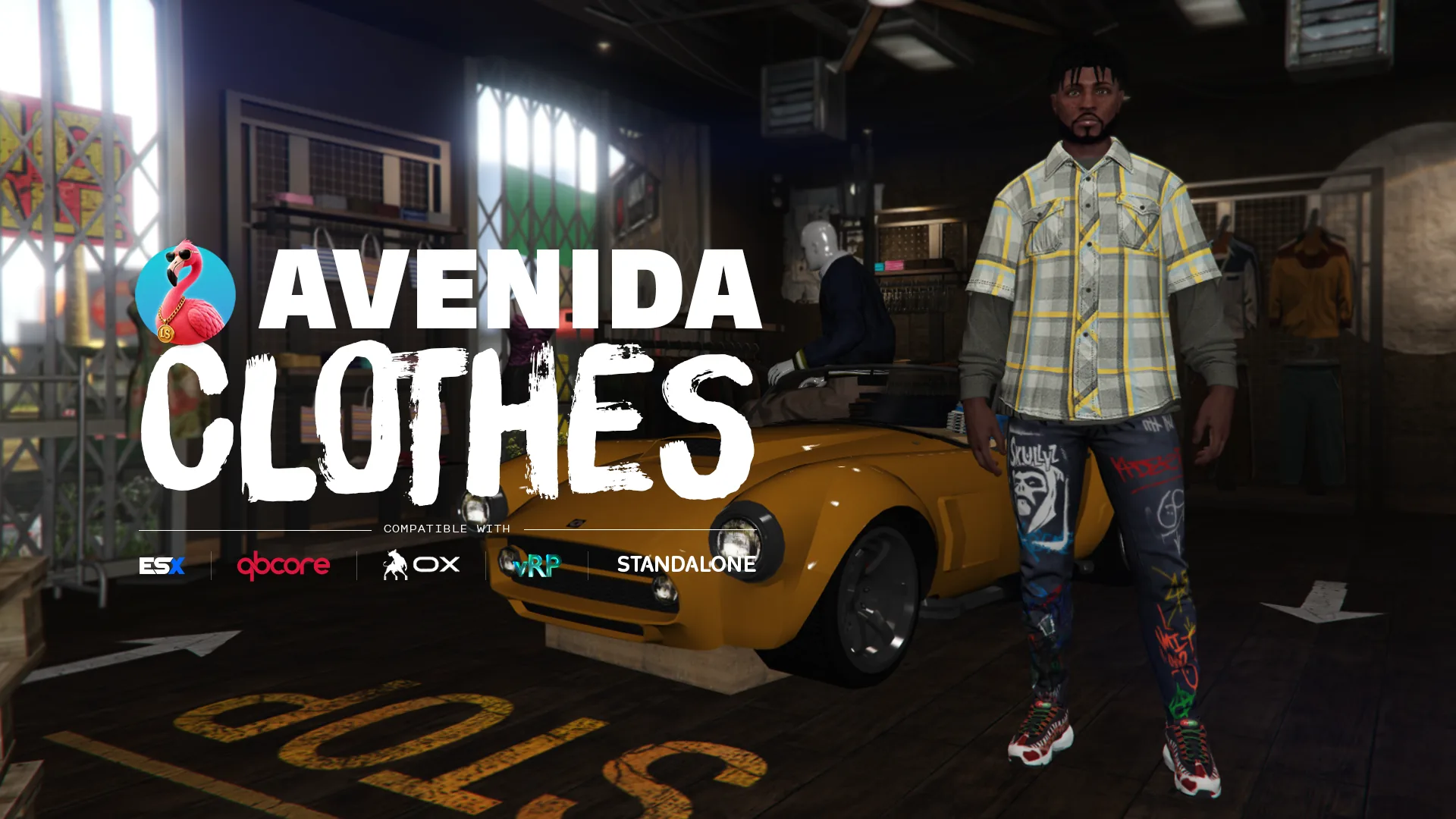
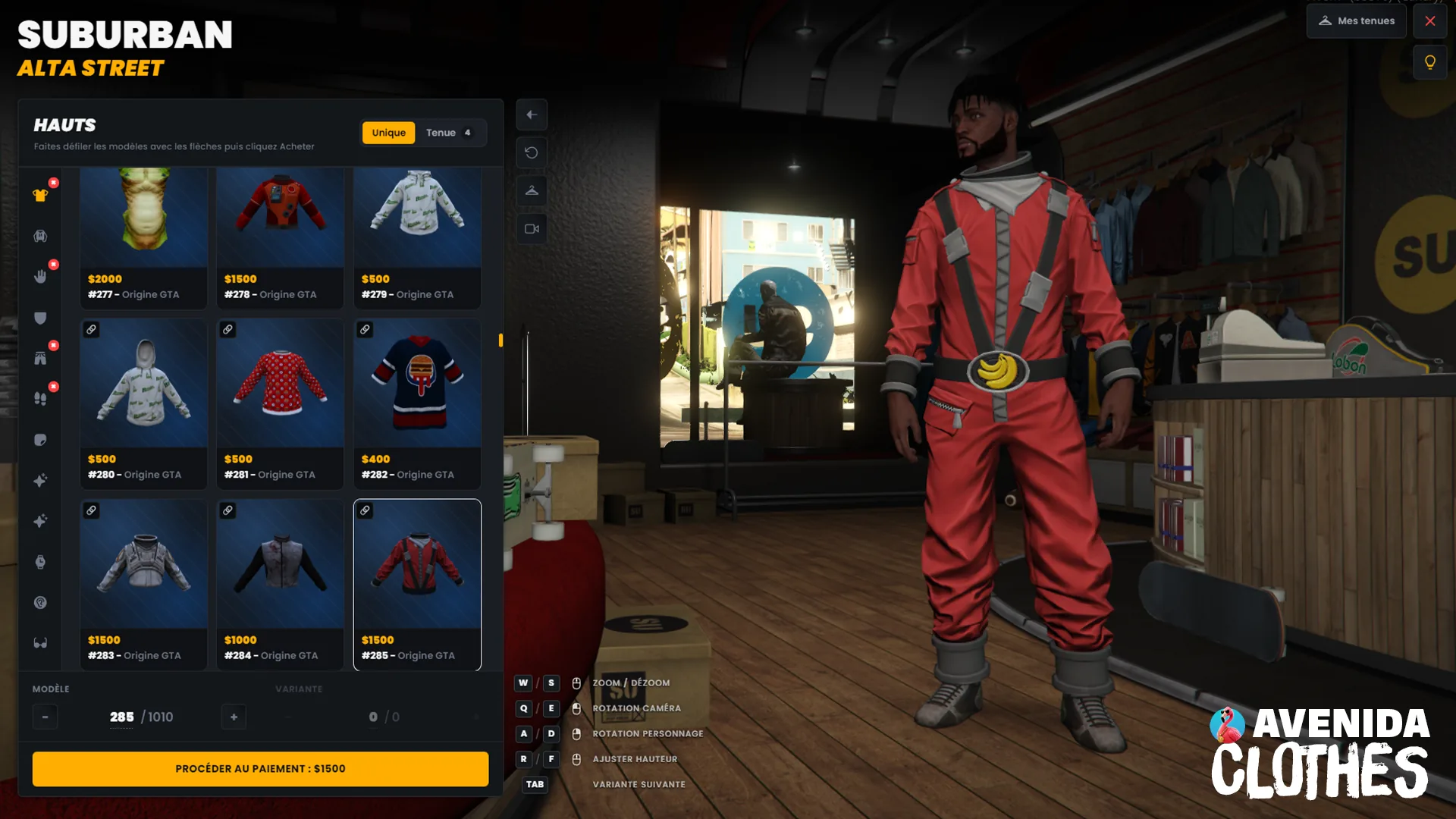
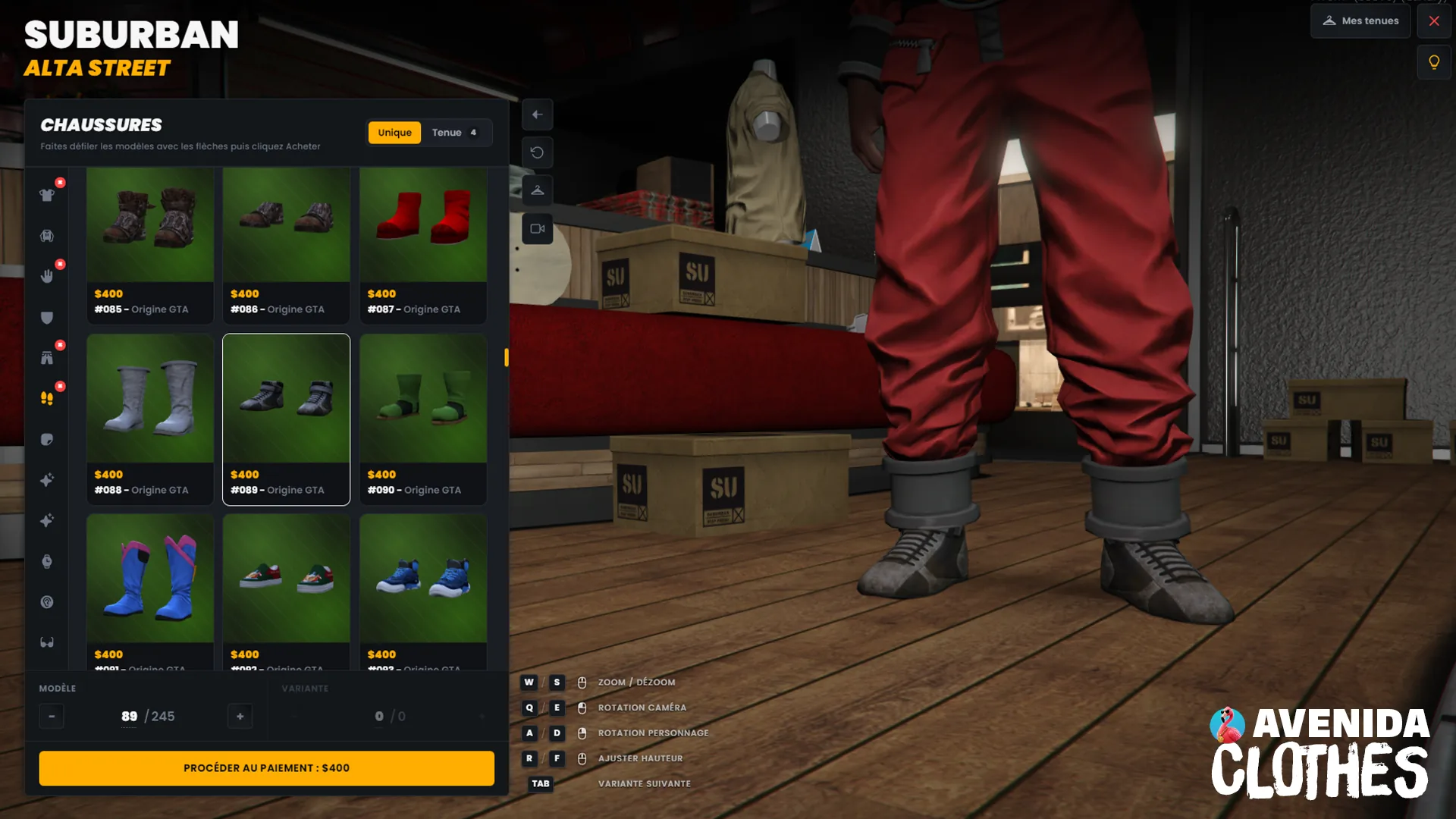
A clothing store with saved outfits, company wardrobes and an editor that prices the catalogue from inside the game. Every component and every prop, bought one garment at a time or as a whole look, with a server-side ledger that stops anyone wearing what they never paid for.
What it does
Price the catalogue without touching a file
An admin panel inside the store. Click a garment and set its price, hide it, restrict it to a job, give a backpack real storage, declare a component link or hide a single colourway. Everything is written to `config/clothes_overrides.lua` and survives a restart. No file editing, no downtime, and no server restart to change a price.
Technical
specifications
Everything you
get
-
Fifteen locale files, shipped filled
Your players read the script in their own language from the first start, and the files sit outside escrow so you can edit any line in production. Honest note: they are translated and reviewed by us, not proofread by native speakers of all fifteen. Tell us what reads wrong in yours and it gets fixed.
-
Eight bridges, one file each
Framework, notifications, interaction, clothing, inventory, decorations, screenshots and compat. Every file documents its targets, what it detects, and what each target costs you. Detection probes the actual export rather than the resource state, so a renamed export degrades quietly instead of throwing at boot.
-
The whole catalogue stays open
Stores, sections, prices, tax and discount, blocked drawables, VIP lists and the overrides the in-game editor writes. `config/*.lua`, `locales/*.lua` and `bridges/*.lua` are escrow exempt and editable in production.
-
An install report you can paste into support
`/avenida_clotheshops_check` prints which bridge was picked for each category, whether the tables and columns exist, and what your game build actually ships. It answers most integration questions before you have to ask them.
Integration guide
Installation
-
Drop the resource
Grab the script from your Tebex account, then copy the
avenida_clotheshops/folder into your resources directory and addensure avenida_clotheshopsto your server config, afterensure oxmysql. -
Run the SQL
Run section [A] of
INSTALL.sqlon your database. Section [B] is conditional, the file header says when you need it. -
Grant the admin permissions
Add
add_ace group.admin avenida_clotheshops.admin allowandadd_ace group.admin avenida_clotheshops.vip allowto your server config. The first one opens the catalogue editor, the second unlocks whatever you put behind the VIP list. -
Price the catalogue from in game
Set
Config.DevMode.Enabled = true, walk into a store and open the editor. Set prices, hide what you do not sell, restrict what belongs to a job. Everything lands inconfig/clothes_overrides.lua. Turn DevMode back off when you are done, it is checked again server side on every save. -
Verify the integrations
Set
Config.Debug = true, restart, and read the console: one line per bridge category names the target that was picked.Config.Debugonly controls logging, it is not the editor switch.
Quickstart
Price a section three different ways
Each store declares its own sections, and each section its own pricing mode. A flat rate for a whole section, a multiplier that makes later drawables dearer, or a table when only a handful of pieces deserve their own price.
-- config/clothes_shops.lua
categories = {
    tops = {
        enabled = true,
        price   = { mode = 'fixed', base = 300 },
    },
    pants = {
        enabled = true,
        -- price = base + index * mult
        price   = { mode = 'multiplier', base = 100, mult = 2 },
    },
    mask = {
        enabled = true,
        price   = { mode = 'table', map = { [12] = 900, [45] = 1500 } },
        -- only these drawables are offered
        whitelist = { 12, 45, 51 },
    },
}API Reference
Public exports grouped by domain. Each row shows the call signature and what it does, not how it does it.
Client
GetSkinData
exports['avenida_clotheshops']:GetSkinData()The outfit the player wears, component by component, props included. This is what the store writes on purchase, so it is always in step with what the wardrobe shows.
ApplySkin
exports['avenida_clotheshops']:ApplySkin(data, ped)Applies a complete appearance to a ped. Applying an outfit clears the decoration slot, so this call puts the barber and tattoo work back afterwards rather than leaving a bare skin.
ApplyClothing
exports['avenida_clotheshops']:ApplyClothing(data, ped, temporary)Changes the clothes and nothing else. With
temporaryset to true the outfit lives for the session only, which is how a uniform handed out by a job should behave.
Server
GetBagStorage
exports['avenida_clotheshops']:GetBagStorage(sex, drawable) --> { weight, slots } | nilThe capacity a backpack drawable grants, weight and slots, or nil when that drawable carries nothing. Call it from your inventory resource so a bag bought in the store actually holds something.
Recipes
Real-world copy-paste examples. Drop them into your own resource, tweak the values, ship.
A store is one entry. It carries its display name, its payment method, its currency symbol, an optional tax and discount applied to the cart total, and the sections it offers. Keep the key stable: it is the store id saved inside outfits, and renaming it after players have shopped there breaks their data.
-- config/clothes_shops.lua
Config.Clothes.Shops[22] = {
    name       = 'Ponsonbys - Rockford Hills',
    payment    = 'bank',
    currency   = '$',
    tax        = 0.20,        -- +20% on the cart
    discount   = 0.00,
    outfitMode = true,
    blip = { sprite = 73, color = 4, scale = 0.7, coords = vec3(-708.2, -152.2, 37.4) },
    categories = {
        tops  = { enabled = true, price = { mode = 'fixed', base = 900 } },
        shoes = { enabled = true, price = { mode = 'fixed', base = 450 } },
    },
}
A restricted piece is hidden from anyone who does not pass the check, so a civilian never sees the police jacket in the grid. Company wardrobes go further: the boss edits a shared list and every member wears it without paying, which is what you want for a new recruit on their first shift.
-- config/clothes_overrides.lua, or write it from the in-game editor
Overrides['tops'] = {
    [56] = { job = 'police', label = 'LSPD jacket' },
    [12] = { hidden = true },
    [31] = { restricted = true },   -- ACE permission
}
It is on by default and it is what stops a tampered client from wearing the catalogue for free. Turn it off only if another resource of yours dresses players in pieces they never bought and you would rather not seed them. Existing characters are seeded from what they already wear, so switching it on later takes nothing away.
-- config/clothes.lua
Config.Clothes.RequireOwnership = false

-- how far from a store the server still accepts a purchase
Config.Clothes.PurchaseRange = 30.0

-- saved outfits per character, enforced server side
Config.Clothes.MaxOutfits = 30
Config.Clothes.MaxOutfitsRestricted = 50
Applying a full outfit clears the ped decoration slot, which is shared by the whole server. If your script dresses a player, read what this resource owns first and hand it back afterwards, otherwise the tattoos and the hair base go with the change.
local hairbase = exports['avenida_clotheshops']:GetHairbase()
local tattoos  = exports['avenida_clotheshops']:GetTattoos()

-- your own clothing work here

if hairbase then
    AddPedDecorationFromHashes(PlayerPedId(), hairbase.c, hairbase.t)
end
for _, dec in ipairs(tattoos) do
    AddPedDecorationFromHashes(PlayerPedId(), dec.c, dec.t)
endTroubleshooting
- Check `Config.Clothes.RequireOwnership`. The ledger seeds a character from what they are already wearing the first time it sees them, so turning it on does not take a wardrobe away. What it does refuse is a write for a garment with no purchase behind it, which is also what a tampered client sends. If a resource of yours dresses players in pieces they never bought, either register those purchases or set the flag to false.
- It needs two things at once: the ACE permission `avenida_clotheshops.admin` and `Config.DevMode.Enabled = true`. `Config.Debug` is a different switch and only controls logging. Every save is checked again server side, so granting yourself the permission in game is not enough on its own.
- That is GTA. The game repeats a drawable across several indices, and most stores list every one of them. Phantom drawables are filtered here, so if you still see a duplicate it is usually a clothing pack that ships the same asset twice. Hide the extra one from the in-game editor, it lands in `config/clothes_overrides.lua`.
- The cut is declared per item, so a helmet or a mask you added yourself has no rule yet. Set its hair behaviour from the catalogue editor, and remember the player override exists: someone who prefers keeping their hairstyle can say so, and their choice wins over the automatic cut.
- They need screenshot-basic, and only for that. It is the one optional integration in the requirements table whose absence is visible to the player: without it, saved outfits work exactly the same but the list shows names instead of previews.
- QBCore, ESX and vRP, plus a standalone mode that needs no framework at all and a `custom` branch in `bridges/framework.lua` for anything else. Detection runs at startup and probes the real export. Qbox and ox_core have no dedicated branch: they run through the standalone or custom path, not through a tested target.
- Yes, that is what they are built for. This one is the most disruptive of the three, since applying an outfit clears the decoration slot, so it puts back what the other two own after every change. What you must not do is run the separate resources and the `avenida_skin` bundle at the same time. The resource detects the overlap and says so in the console at startup.
- 0.00ms. The interaction points share one thread that parks at one second when nobody is nearby, blips are created once, and every session thread is killed on exit. The preview debounce only exists while a menu is open, and it is tunable for weaker machines.
What buyers say
4.8 5 verified reviews
 Haldor
 brilliant scripts and great support 10 /10
 BigOppGrimeyy GangWrld NYC
 10/10 was having a problem and these guys ain't stop till it was fix customer service is great definitely buying again
 00hugi
 Super scripts and even better and fast support. Thanks a lot!!
 reapersrow
 Amazing support from the developers and a smooth script!
 Necro Huston RP
 Best service Ive ever received! He even helped me fix problems not associated with his script!
 FEATURED Avenida Team
Core Skin (3 in 1)
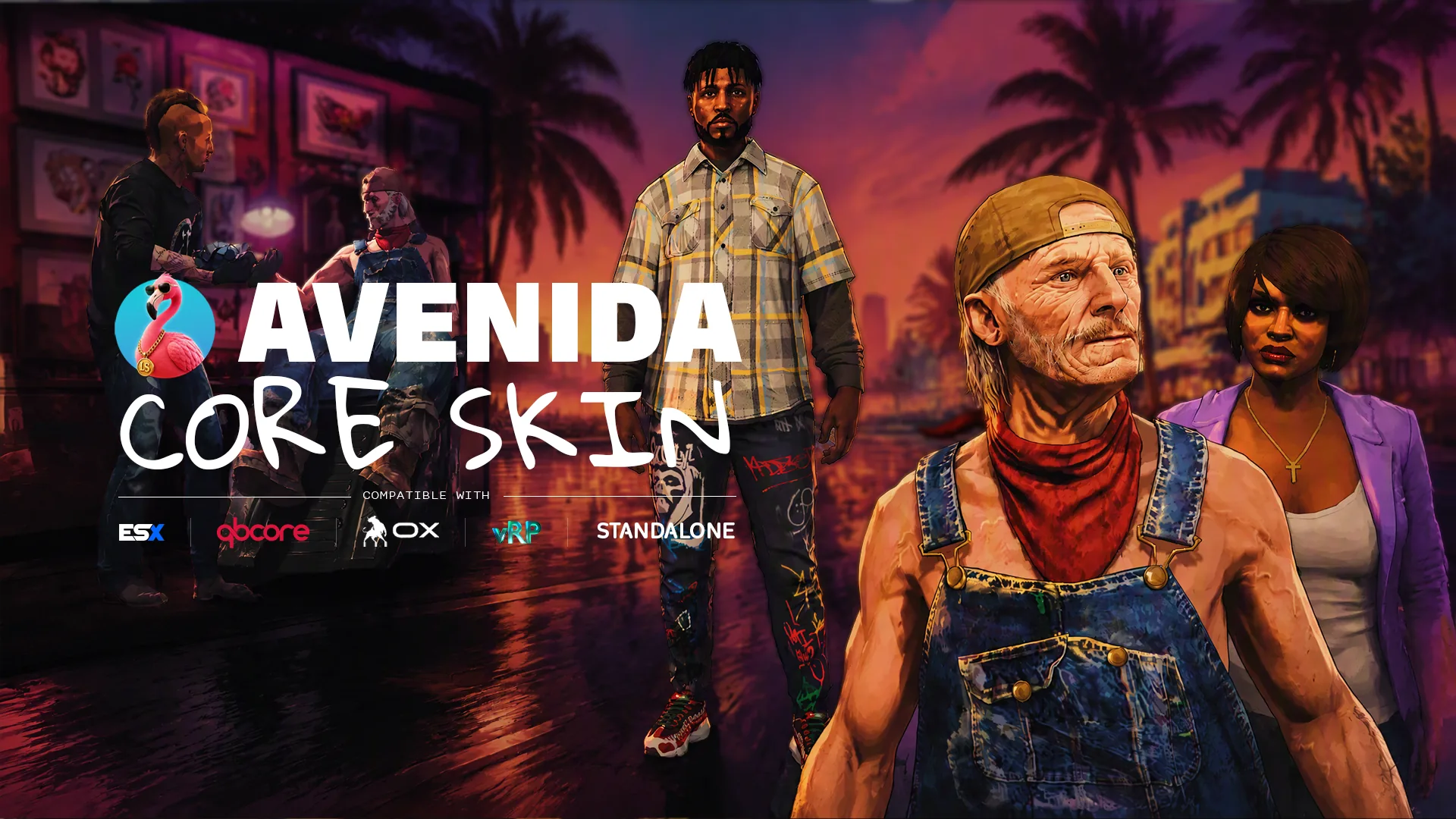
Barber shop, tattoo parlour and clothing store in one FiveM resource. 1615 tattoos, every clothing component and prop, the whole head and skin set, spread across 36 shops. One interface, one camera, one purchase flow, and one thing to install on ESX, QBCore, vRP or standalone.
 FEATURED Avenida Team
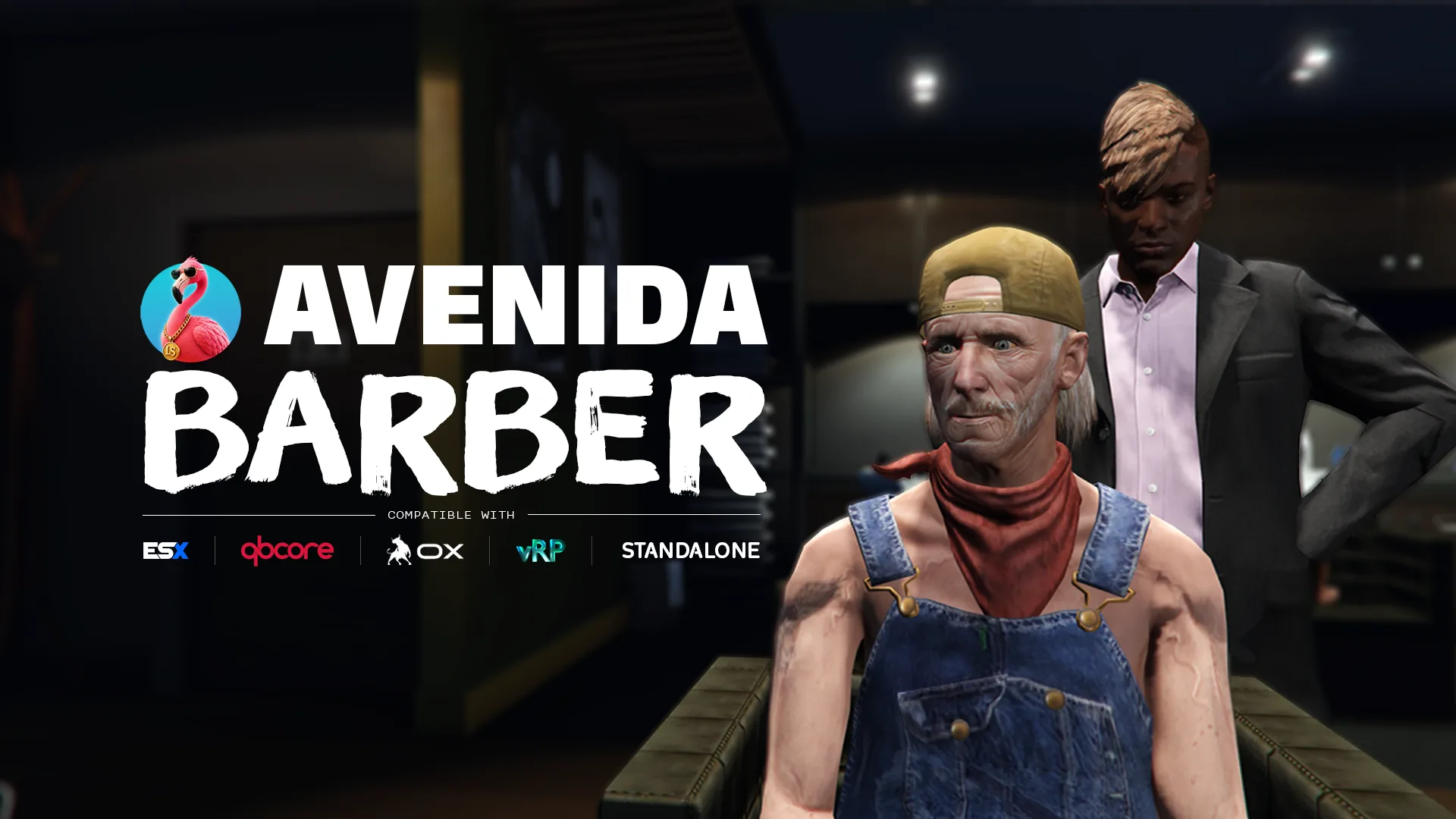
Barber shop
A barbershop staged like a scene, with a camera the player actually controls. The character walks in, sits down, and the barber gets to work while an orbit camera frames the head. Hair, beard, overlays and the full skin-detail set, previewed live before a single dollar is spent.
 FEATURED Avenida Team
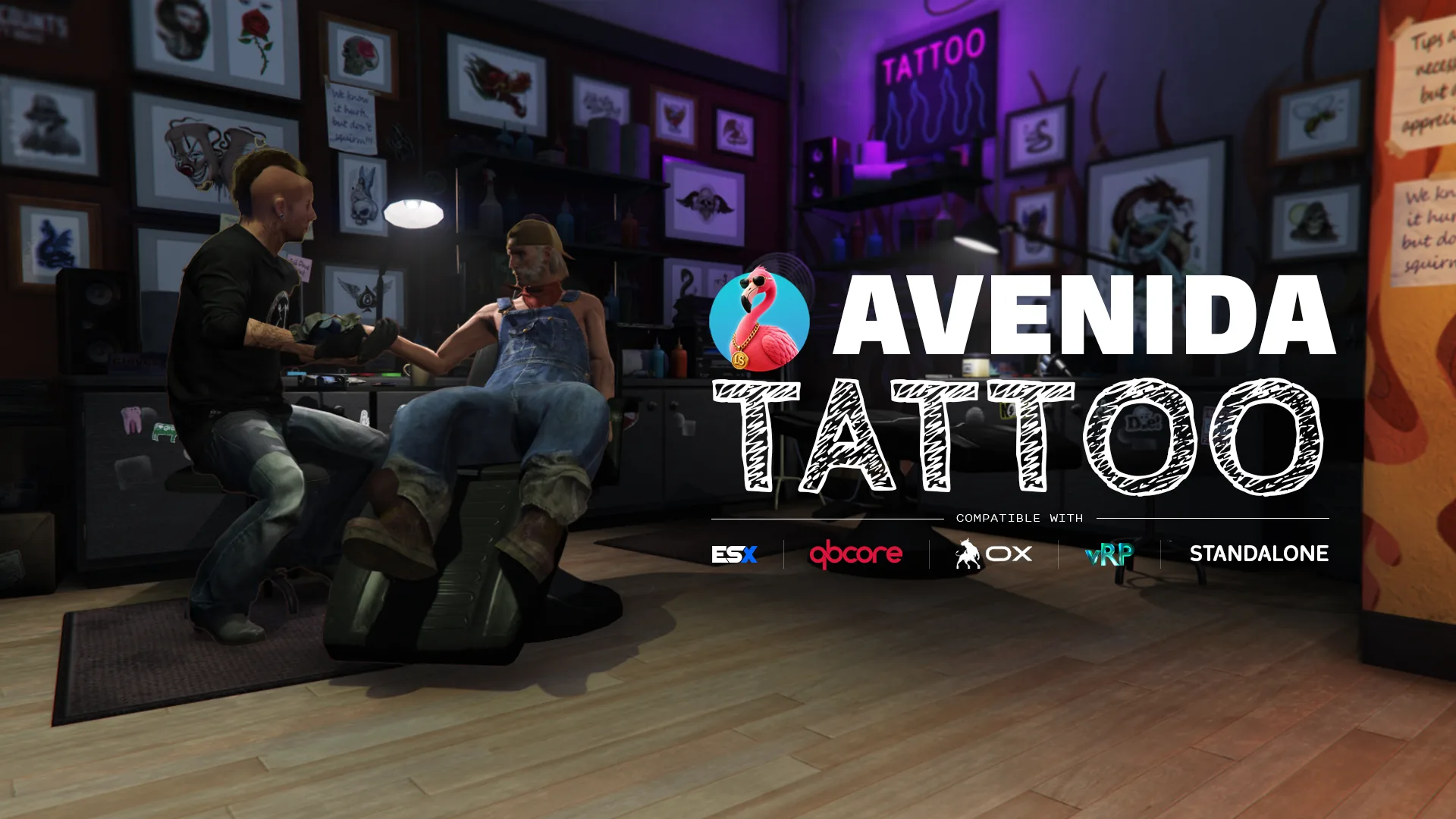
Tattoo shop
The whole vanilla tattoo catalogue, with a cart and a chair you actually sit in. 1615 designs across 26 DLC collections, previewed live on your own character as you add them, paid for in one go. Laser removal included, and an artist who walks in and does the work.