Barber shop
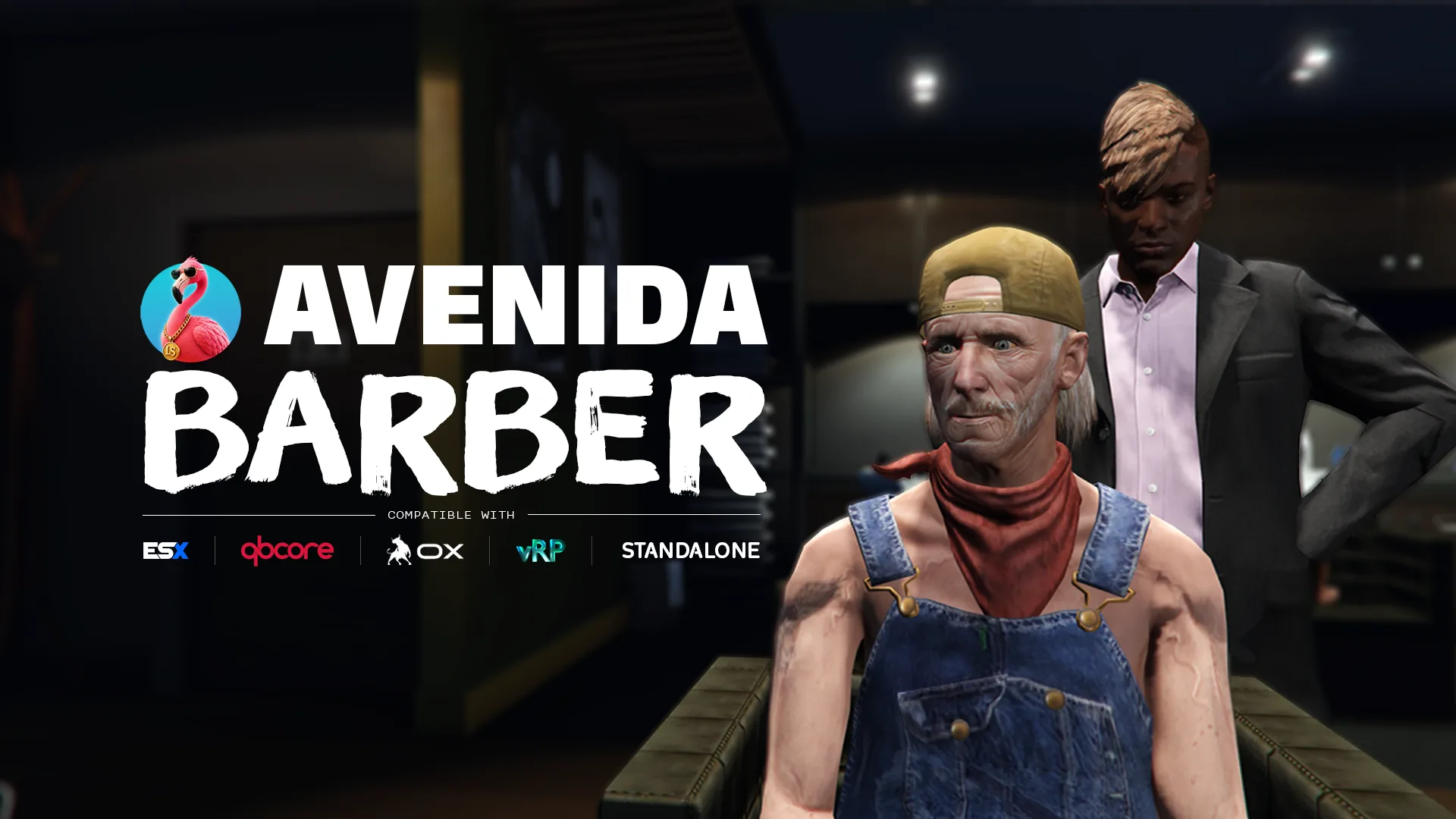
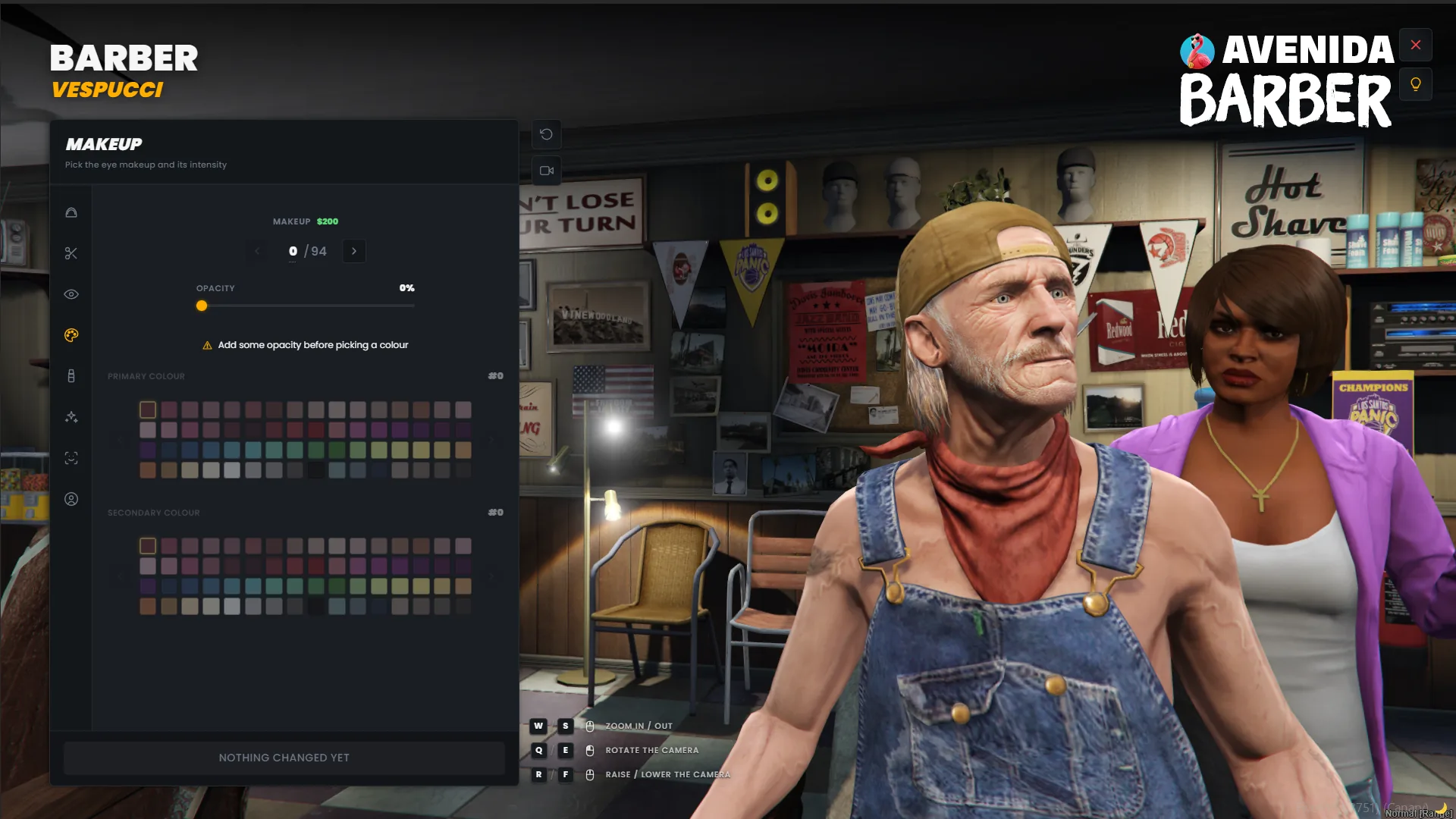
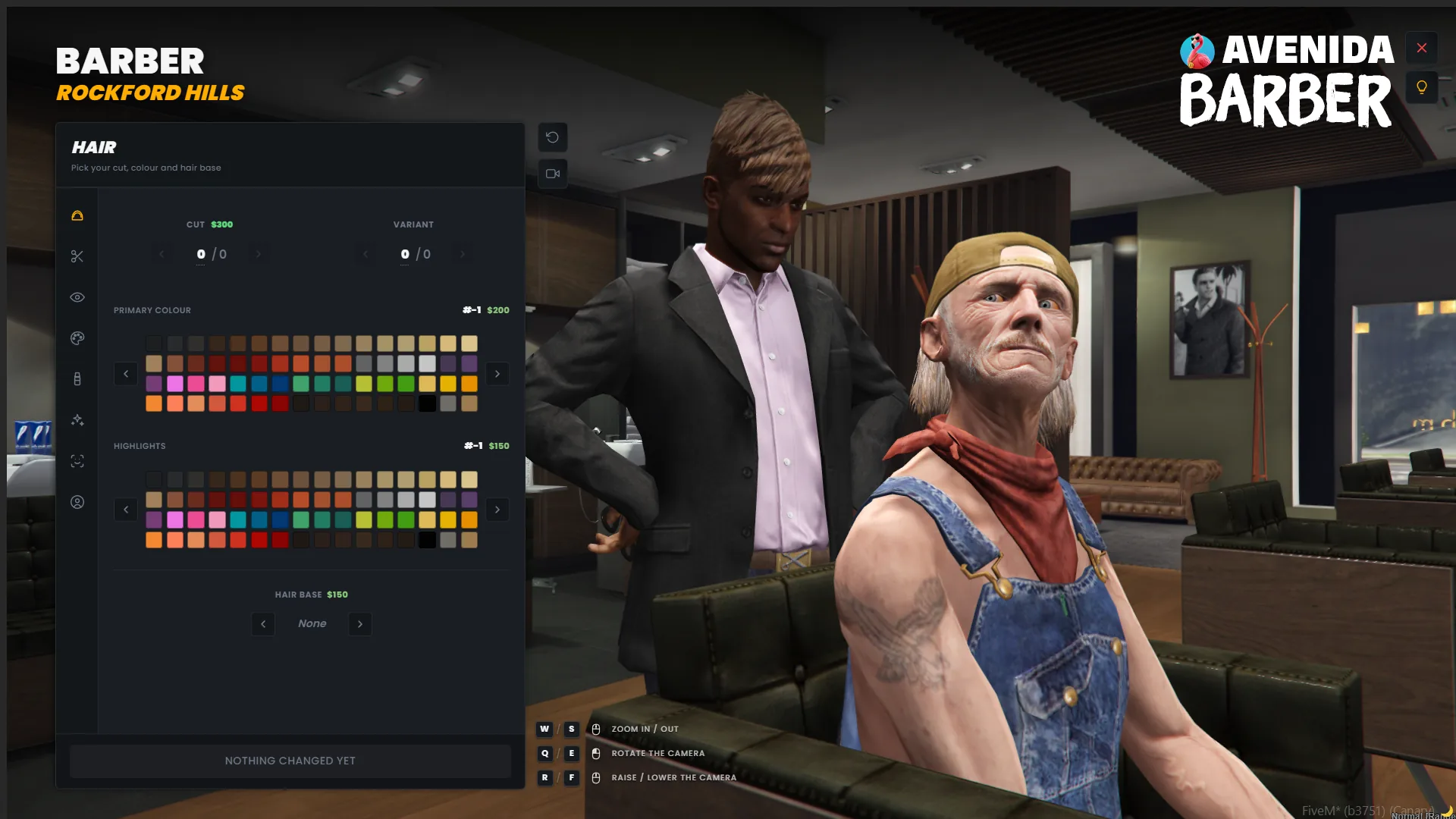
A barbershop staged like a scene, with a camera the player actually controls. The character walks in, sits down, and the barber gets to work while an orbit camera frames the head. Hair, beard, overlays and the full skin-detail set, previewed live before a single dollar is spent.
What it does
Total camera control
A flat orbit camera pivots on the head bone, captured once so a sync scene animation can never drag the framing around. Drag to rotate a full 360, scroll to zoom, drag vertically to travel from eye level down to the shoes. Sensitivity and axis inversion are yours in `Config.Camera`.
Technical
specifications
Everything you
get
-
Fifteen locale files, shipped filled
Your players read the script in their own language from the first start, and the files sit outside escrow so you can edit any line in production. Honest note: they are translated and reviewed by us, not proofread by native speakers of all fifteen. Tell us what reads wrong in yours and it gets fixed.
-
Seven bridges, one file each
Framework, notifications, interaction, clothing, inventory, decorations and compat. Every file documents its targets, what it detects, and what each target costs you. Detection probes the actual export rather than the resource state, so a renamed export degrades quietly instead of throwing at boot.
-
Everything tunable stays open
Shops, prices, blips, chair behaviour, camera sensitivity, lighting, depth of field, tutorial, sounds and every bridge. `config/*.lua`, `locales/*.lua` and `bridges/*.lua` are escrow exempt and editable in production.
-
An install report you can paste into support
`/avenida_barber_check` prints which bridge was picked for each category, whether the tables and columns exist, and what your game build actually ships. It answers most integration questions before you have to ask them.
Integration guide
Installation
-
Drop the resource
Grab the script from your Tebex account, then copy the
avenida_barber/folder into your resources directory and addensure avenida_barberto your server config, afterensure oxmysql. -
Run the SQL
Run section [A] of
INSTALL.sqlon your database. Section [B] is conditional, the file header says when you need it. -
Check the config
Open
config/config.lua. The defaults work on most servers, the one line worth checking isConfig.Locale. Prices, shops and chair behaviour live next door inconfig/barber.lua. -
Verify the integrations
Set
Config.Debug = true, restart, and read the console: one line per bridge category names the target that was picked. Set it back tofalseonce the lines match your server, the diagnostic commands it unlocks cost a frame hitch. -
Grant yourself the admin features
Add
add_ace group.admin avenida_barber.admin allowto your server config, then run/avenida_barber_checkin game for the full install report.
Quickstart
Force an integration instead of detecting it
Auto-detection covers most servers, and it probes the real export rather than the resource state. On a custom stack, force the target and detection is skipped entirely.
-- config/config.lua
Config.Locale    = 'en'
Config.UseOxLib  = true

Config.Framework = 'auto'   -- 'qbcore' | 'esx' | 'vrp' | 'standalone' | 'custom'
Config.Notif     = 'ox_lib' -- 'qbcore' | 'esx' | 'ox_lib' | 'okok' | 'vrp' | 'chat' | 'custom'
Config.Interact  = 'auto'   -- 'avenida' | 'ox_target' | 'qb-target' | 'standalone' | 'custom'
Config.Clothing  = 'auto'   -- 'qb' | 'illenium' | 'fivem-appearance' | 'esx_skin' | 'vrp' | 'table' | 'custom'

Config.Camera = {
    Sensitivity = 1.0,      -- rotation, zoom and height, clamped to 0.1 - 5.0
    InvertY     = false,
}API Reference
Public exports grouped by domain. Each row shows the call signature and what it does, not how it does it.
Client
GetHairbase
exports['avenida_barber']:GetHairbase() --> { c = collection, t = nameHash } | nilThe hair base decoration the ped wears right now, or nil when the haircut needs none. Read it before you call
ClearPedDecorations, hand it back afterwards, and the hair keeps its shading instead of turning into a flat cap.GetTattoos
exports['avenida_barber']:GetTattoos() --> { { c, t }, ... }Every tattoo decoration this resource owns on the ped. The barber shares the single decoration slot with the ink, so a redraw that forgets this list wipes the tattoos a player paid for.
GetSkinData
exports['avenida_barber']:GetSkinData()The character exactly as the barber holds it in memory, hair, beard, eyebrows and their colours included. Useful to snapshot a look before a job outfit takes over.
ApplySkin
exports['avenida_barber']:ApplySkin(data, ped)Writes a full appearance onto a ped. Pass the ped you want to dress, which can be a preview clone rather than the player, so a mirror or a character select can show the same face.
ApplyClothing
exports['avenida_barber']:ApplyClothing(data, ped, temporary)Applies the clothing part only, and leaves face and hair untouched. Set
temporaryto true for a costume that must not be written to the database, a prison outfit or a disguise.
Recipes
Real-world copy-paste examples. Drop them into your own resource, tweak the values, ship.
The camera pivots on the head, so the same height values work whether the ped stands or sits. Negative height goes down the body. The lighting and the depth of field are what make the character read as the subject rather than a ped in a dark room.
-- config/config.lua
Config.Camera = {
    Sensitivity = 1.4,          -- faster drag
    InvertY     = true,
}

Config.UI = {
    Tutorial          = true,   -- first-run tour, replayable from the toolbar
    Sounds            = true,
    Blips             = true,

    Timecycle         = 'casino_brightroom',
    TimecycleStrength = 1.0,
    TimecycleFadeMs   = 400,    -- 0 makes it snap like a light switch

    DofStrength       = 0.1,    -- false drops the per-frame SetUseHiDof call
    DofPlanes         = { 0.4, 0.7, 2.2, 4.5 },
}
Shops live in an open file, one entry each, with their own barber ped and their own prices. Turning the chair scene off keeps the camera and the menu, and skips the walk-in.
-- config/barber.lua
Config.Barber.ChairScene = false   -- menu opens on the spot

Config.Barber.Shops[9] = {
    BarberPedModel = 's_m_m_hairdress_01',
    Welcome        = vec3(-1282.60, -1116.60, 6.99),
    Blip           = { sprite = 71, color = 4, scale = 0.7 },
}
The ped has one decoration slot for the whole server. If your script calls `ClearPedDecorations`, read what this resource owns first and hand it back afterwards, otherwise you wipe the hair base.
local hairbase = exports['avenida_barber']:GetHairbase()
local tattoos  = exports['avenida_barber']:GetTattoos()

ClearPedDecorations(PlayerPedId())
-- your own decoration work here

if hairbase then
    AddPedDecorationFromHashes(PlayerPedId(), hairbase.c, hairbase.t)
end
for _, dec in ipairs(tattoos) do
    AddPedDecorationFromHashes(PlayerPedId(), dec.c, dec.t)
end
The resource fires a client event when a menu opens and closes. Hook it rather than polling, it is the same signal the built-in HUD handling uses.
AddEventHandler('avenida_barber:client:uiStateChanged', function(hidden)
    if hidden then
        exports['myhud']:hide()
    else
        exports['myhud']:show()
    end
end)Troubleshooting
- QBCore, ESX and vRP, plus a standalone mode that needs no framework at all and a `custom` branch in `bridges/framework.lua` for anything else. Detection runs at startup and probes the real export. Qbox and ox_core have no dedicated branch: they run through the standalone or custom path, not through a tested target.
- vRP stores clothing components and props, and nothing else. It has no field for head overlays, face features, hair colour, eye colour or ped decorations, so on vRP the whole character is kept in a table of its own instead. vRP still gets the clothing part, refreshed straight after a change. The practical consequence: a vRP native skinshop will not show the barber work, because vRP has nowhere to put it. vRP 2 and vRP 0.5 are not supported, and the resource says so in the console rather than misbehaving quietly.
- Yes, everywhere it matters: `ox_lib` for notifications through `Config.UseOxLib`, `ox_target` for the interaction prompt, `ox_inventory` for clothing items, and oxmysql as the one hard dependency. Nothing there is required except oxmysql, and `bridges/compat.lua` provides native fallbacks when ox_lib is off. What has no dedicated branch is `ox_core` as a framework: on an ox_core server the resource runs standalone, or through the `custom` branch of `bridges/framework.lua` if you want it to read your player data.
- Yes, that is what they are built for. Each one owns its half of the single ped decoration slot and puts the others back after any redraw. What you must not do is run the separate resources and the `avenida_skin` bundle at the same time: they would each place their own blip and each write their own copy of the same character. The resource detects the overlap and says so in the console at startup.
- Hair bases are gated by game build. A style your client cannot render is deliberately never listed, because listing it would show the player an option that comes out broken. Run `/avenida_barber_check` to see the build your server actually ships.
- Head tracking is scoped to an orbit camera session: the thread starts with the camera and stops with it. It also needs NUI focus, since it reads the cursor through `GetNuiCursorPosition`. If the camera is owned by another resource that took it over, tracking stays off on purpose.
- Fifteen ship filled, in the open `locales/` folder. Copy one file, translate the values, and point `Config.Locale` at your new code. `en.lua` is the fallback for any key you leave out, so a partial file never shows a blank label.
- 0.00ms. The interaction points share one thread that parks at one second when nobody is nearby, blips are created once, and every session thread is killed on exit. Nothing runs between two haircuts.
What buyers say
5.0 16 verified reviews
 🐊 Benaz Spirit Roleplay
 Script de grande qualité, nos joueurs apprécient énormément ce barber shop. Ils s'en servent depuis plusieurs mois, il a été testé et éprouvé en conditions réelles sur notre serveur. Je recommande !
 Vroum Rex Studio
  CarniceroDeZaun Los Santos 2080
  || !xAyu♥ ||
  𝕄𝕠𝕟𝕥𝕖ℂ𝕣𝕚𝕤𝕥𝕠 𝐕𝐀𝐋𝐄𝐍𝐓𝐈𝐍𝐄 𝐂𝐅𝐖
  Leny.M Redstart V2
 Un support au top !
 eizrass
 il sont toujours la quand il faut exelent merci
 Sauron
 Very good script and support
 TCL-Server TCL RP
 Best support on this planet ...love u guys ❤
 einfachFlo
 Very good script and support ❤
 drantox Firma RP
 Very nice work and fast support!
 Deichmann
 Thank you for the fast support.
 Cougar Fanatic SAV RP
 had a big issue where the female hairs were causing my players to freeze - The Avenida Scripts team had a fix out to me by the next day! fantastic work!
- Leny.M Redstart V2
quality scripts without the headache of configuration. It's very rare to find scripts that work the first time even with an AC or even a custom framework. Thanks Avenida Scripts
 BigOppGrimeyy GangWrld NYC
 10/10 again help me with a script that wasn't his and got it working this man is great at everything he does thanks again
 FЦПKӨ
FЦПKӨ Best script, best support, this is the best place to buy your scripts
 FEATURED Avenida Team
Core Skin (3 in 1)
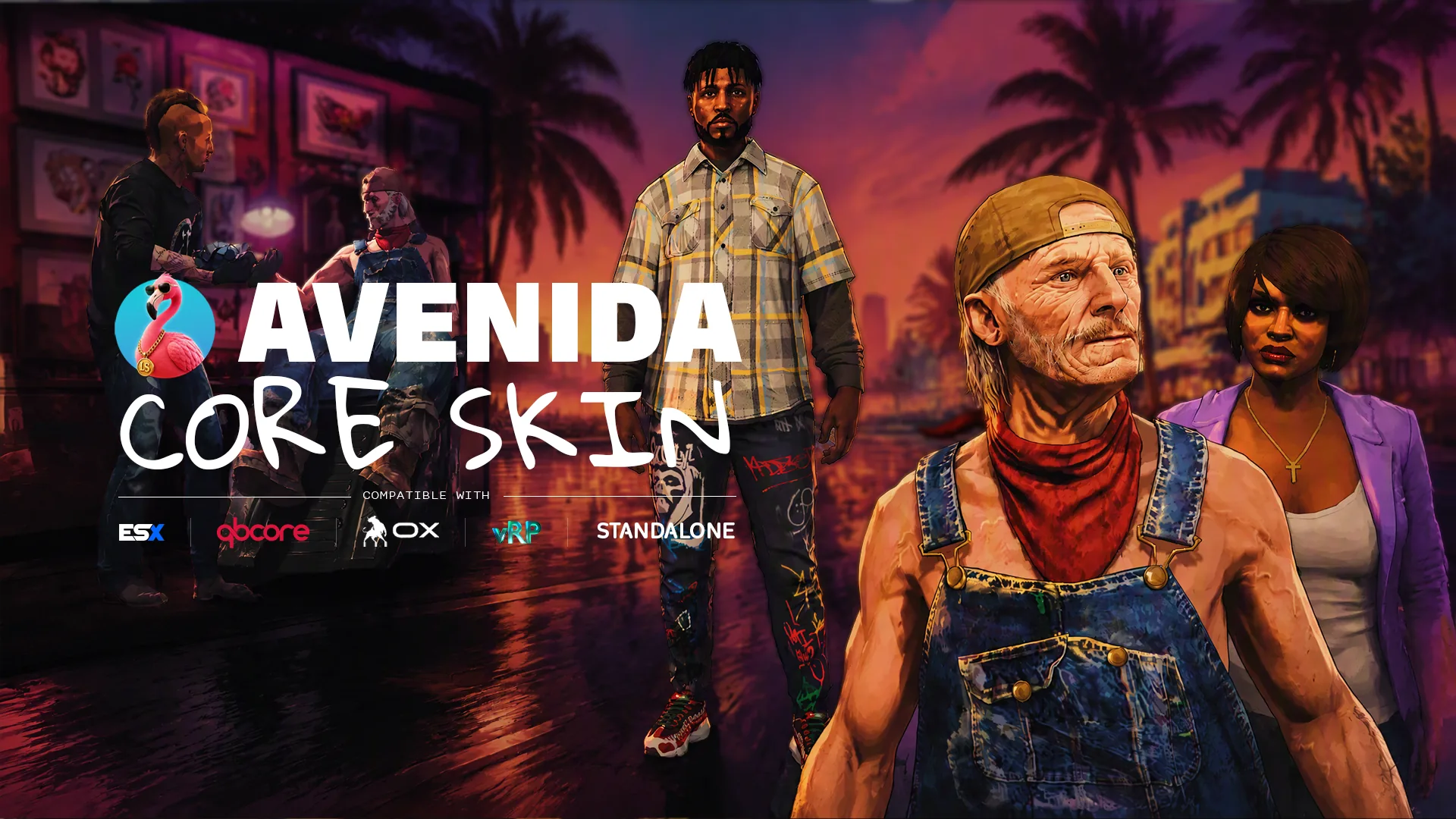
Barber shop, tattoo parlour and clothing store in one FiveM resource. 1615 tattoos, every clothing component and prop, the whole head and skin set, spread across 36 shops. One interface, one camera, one purchase flow, and one thing to install on ESX, QBCore, vRP or standalone.
 FEATURED Avenida Team
Clothing store
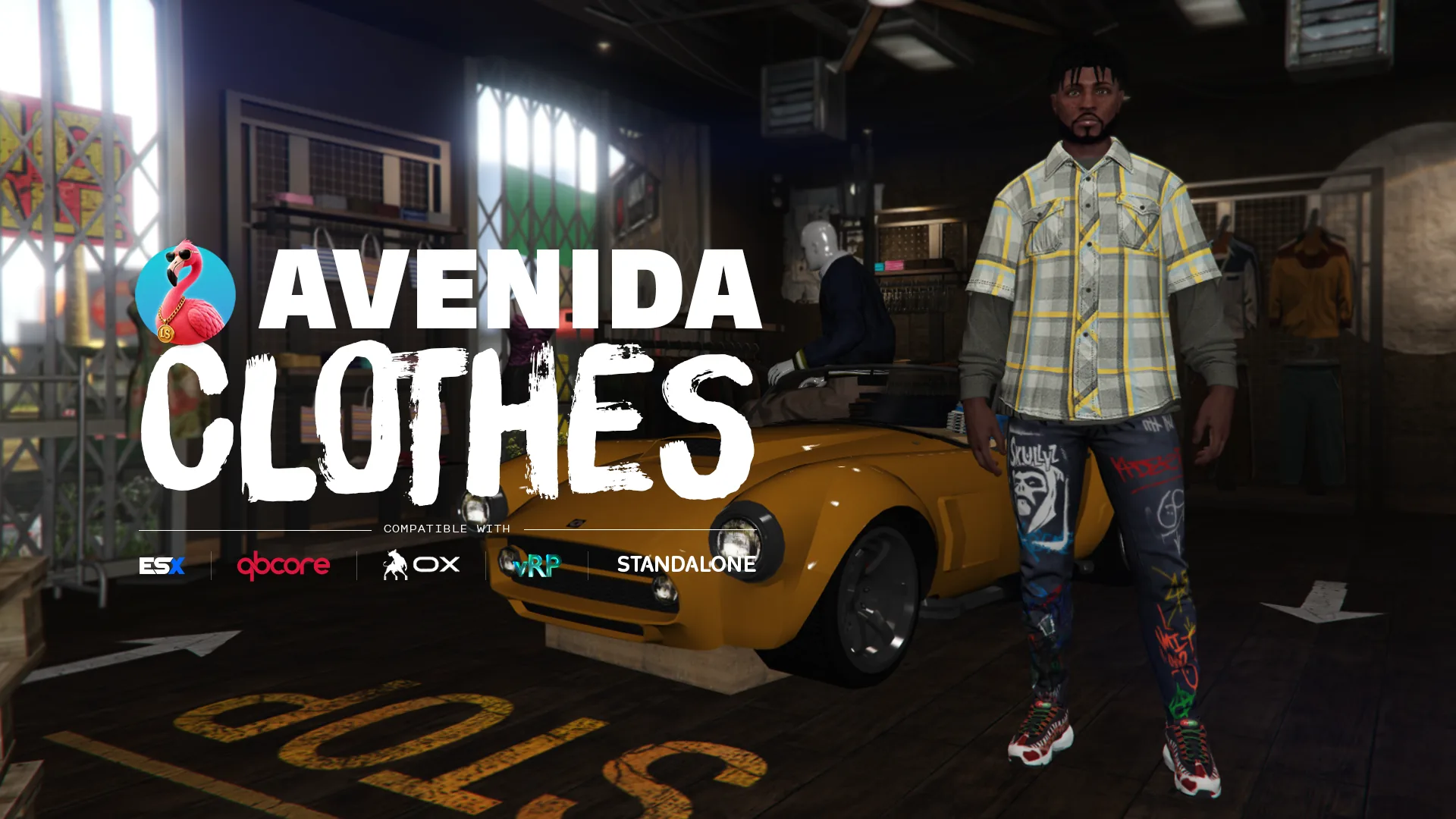
A clothing store with saved outfits, company wardrobes and an editor that prices the catalogue from inside the game. Every component and every prop, bought one garment at a time or as a whole look, with a server-side ledger that stops anyone wearing what they never paid for.
 FEATURED Avenida Team
Tattoo shop
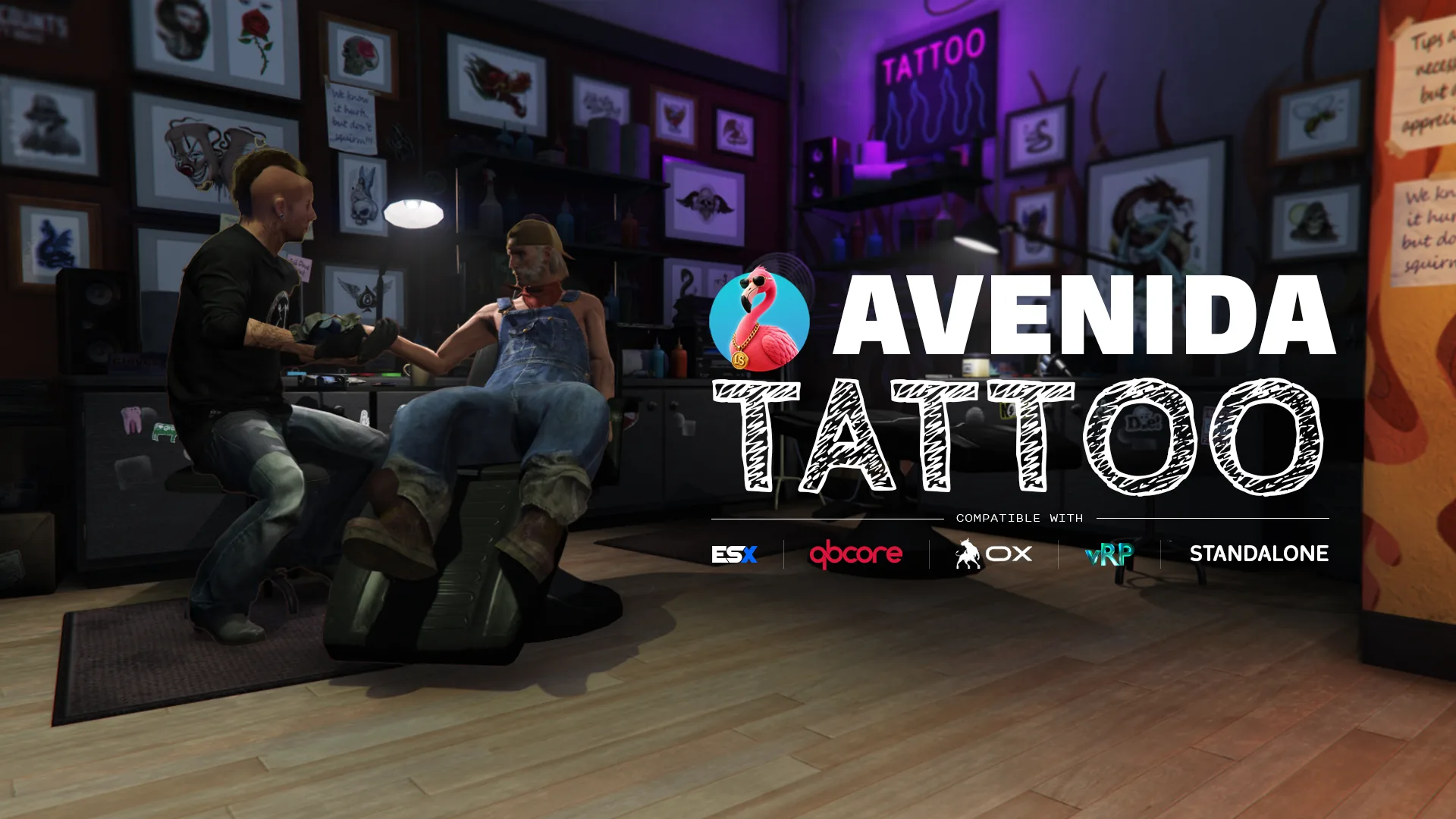
The whole vanilla tattoo catalogue, with a cart and a chair you actually sit in. 1615 designs across 26 DLC collections, previewed live on your own character as you add them, paid for in one go. Laser removal included, and an artist who walks in and does the work.