Documentation

Dance minigame documentation

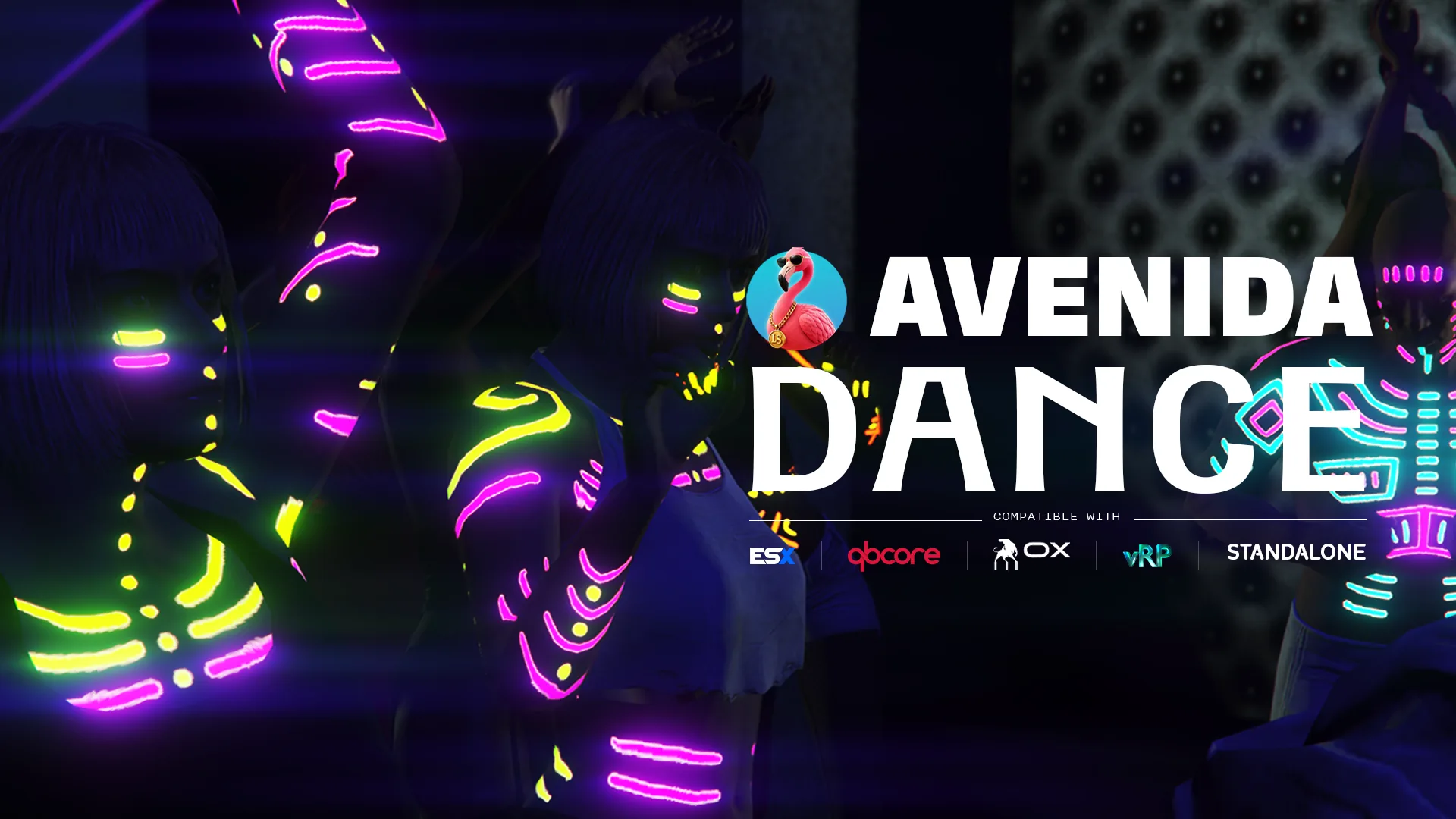
The GTA Online nightclub dance minigame, rebuilt for FiveM and playable anywhere on your map. Tap on the beat to climb four intensity levels, hold to keep them, boost or drop on demand, cycle ten styles and cut into 27 special moves without leaving the floor. Everyone around sees the whole thing, and your server never runs a line of it.

  • ESX
  • QBCore
  • Qbox
  • vRP
  • Standalone
01

Installation

  1. Drop the resource

    Grab the script from your Tebex account, copy the avenida_dance/ folder into your resources directory, and add ensure avenida_dance to your server config. Nothing has to start before it.

  2. Pick your trigger

    Open config/config.lua. Config.Command is the chat command, Config.Keybind registers a rebindable key with Config.DefaultKey as its default. Keep both, or set the command to false and leave players the key.

  3. Set the language

    Config.Locale takes any of the fifteen codes shipped in locales/. The files are escrow exempt, so you can rewrite any line to match the tone of your server.

  4. Point the notifications at your stack

    Config.Notif is on auto and detects ox_lib, okokNotify, QBCore or ESX in that order. Force a target if you run several, or use the custom branch of bridges/notif.lua for your own system.

  5. There is no step five

    No SQL to run, no framework to declare, no permission to grant. Restart and type the command.

02

Configuration

How players start dancing

A command, a key, or both. The key registers in the FiveM settings under Key Bindings, so each player can rebind it without touching your config.

lua
-- config/config.lua
Config.Command    = 'dance'   -- chat command, false to disable
Config.Keybind    = true      -- rebindable key in FiveM settings
Config.DefaultKey = 'F7'

-- The GTA:O help panel with styles, actions and controls.
-- Off, style and move changes are announced by notification instead.
Config.ShowHints = true
03

Exports

Session

  • StartDance
    exports.avenida_dance:StartDance(styleIndex?) --> boolean

    Starts a session for the local player, optionally forcing a style index from 1 to 10. Returns false when the player cannot dance right now, in a vehicle, in water, in the air or already dancing, so your own script can decide what to do about it.

  • StopDance
    exports.avenida_dance:StopDance()

    Ends the current session and plays the real outro rather than cutting the animation. Safe to call when nobody is dancing.

  • IsDancing
    exports.avenida_dance:IsDancing() --> boolean

    True while the local player is in a session. Useful to block your own interactions, your inventory or a job action while the minigame owns the controls.

Music

  • SetDanceBeat
    exports.avenida_dance:SetDanceBeat(bpm, msToNextBeat?)

    Feeds the simulated beat with the tempo of the track your own music resource is playing. The second argument aligns the phase, so the beat icon pulses on the actual downbeat instead of somewhere near it. Ignored when the value is not a positive number.

04

Recipes

Lock the minigame onto your own music

The native beat only exists where Rockstar put an audio emitter. If your club streams its own tracks, turn the native beat off and push the tempo yourself. Call it once when a track starts, then again whenever the track changes.

lua
-- config/config.lua
Config.UseNativeBeat = false
Config.FallbackBpm   = 122.0

-- in your music resource, when a track starts
exports.avenida_dance:SetDanceBeat(128.0, 180)
Start a dance from a job or a prop

A stage, a podium, a pole, a stripper job: give the player the dance without a command. Force a style index so the podium always gets the same look, and read the return value so you know whether it actually started.

lua
local started = exports.avenida_dance:StartDance(7) -- shuffle

if not started then
    -- the player is in a vehicle, in water, or already dancing
    return
end

Give the minigame your own layout

A controller needs nothing here, the defaults are FiveM inputs and the game already maps them to the pad. This is for a server that wants its own keys. Keep the tap and the hold on two different inputs, the minigame reads them independently.

lua
-- config/config.lua
Config.Controls = {
    beat        = 201, -- INPUT_FRONTEND_ACCEPT
    hold        = 202, -- INPUT_FRONTEND_CANCEL
    boost       = 22,  -- INPUT_JUMP
    drop        = 23,  -- INPUT_ENTER
    flourish    = 45,  -- INPUT_RELOAD
    stop        = 73,
    -- the rest keeps its default
}

Make the minigame forgiving, or brutal

The difficulty is four numbers. Lower BeatsHit and a casual crowd reaches level four; raise BeatsFail and mashing stops being punished. These are the values a club owner will want to touch first.

lua
-- config/config.lua
Config.BeatsHit  = 8    -- clean beats to cross a level
Config.BeatsMiss = 16   -- missed beats to drop one
Config.BeatsFail = 8    -- bad inputs to drop one

Config.Level3Min = 0.25
Config.Level4Min = 0.75
05

Questions

Does it need a framework?

No, and not as a fallback either: there is nothing in this resource that a framework could provide. It never reads money, items, jobs or identity. That is why the same file runs on ESX, QBCore, Qbox, vRP, ox_core or a bare server without a single bridge to configure. The only thing a framework can do here is display a notification, which is one open file.

Do I need ox_lib?

No. Config.UseOxLib ships off, and with it off the resource calls native FiveM APIs for everything: the ped, the vehicle check, the player id. Turn it on and it uses the ox_lib caches instead, which is worth having on a server already running the ox stack. The only other place it appears is one branch of the notification bridge, among six.

Is there a server script or a database?

Neither. There is no server file in the resource, no SQL, no table, no event coming back from a client. Everything a nearby player sees comes from four statebags pushed by the dancer. That is a design choice with a consequence worth saying out loud: nothing is persisted server side, so a player style preference lives in their own game settings, not in your database.

Why do remote dancers look less smooth than my own?

The animation network GTA uses for this minigame does not clone over OneSync, so remote dancers are re-simulated locally from the statebags. Most of the time that reproduces the real thing. When a clone gets stuck in its intro state, the resource retries twice, then loops the dominant clip of the 27-clip grid instead. Style, intensity and direction stay correct, the blend between poses is simply less rich. Full-body special moves always replicate natively.

My club plays custom music, does the beat still work?

Yes, through SetDanceBeat. The native beat is read from Rockstar audio emitters, which only exist where Rockstar put them. For a custom track, turn Config.UseNativeBeat off and hand the resource your BPM plus the delay to the next beat. The beat icon then pulses on your track, not on a guess.

What happens on a very fast track?

Past Config.MaxBpm, 140 by default, the dance animations start drifting out of sync with the music. Rather than let that show, the animation rate is reduced by a quarter above that threshold and playback stays clamped between 0.8 and 1.2 times normal speed. Both numbers are in the open config if you want to push them.

Can a player dance anywhere, or only in a club?

Anywhere on foot, on solid ground. There is no zone to declare and no location list to maintain. The session stops by itself if the player enters water, goes into the air, catches fire or ragdolls, so nobody ends up dancing in mid-air off a rooftop.

What does it cost when nobody is dancing?

0.00ms. The resource has no ambient loop at all: it registers a command, a key binding and a statebag handler, and then does nothing until someone starts a session. Every thread a session creates dies when the session ends.

Cart
Spirit RP
Discord